


Business cards are essential for small to big businesses and consumers alike across all industries. Today, these cards help in bui...
GRAB THE BIG SALE OFFER! USE CODE - DC10 & GET 10% OFF. LIMITED TIME OFFER !! OFFER ENDS IN COUPON CODE DC10 APPLIED !


Free Customizable Templates for Digital Business Cards
Leverage free backgrounds, fonts, icons, and other elements to create your virtual card in minutes.
What is digital business card
Virtual business cards are more than just a tool to help people reach you. It works as your personal brand builder. Every time you hand it out to a potential client, prospect, or customer, it informs them who you are or what business you’re involved in.
But how do digital business cards do that? It carries all the required information one needs to contact you. Unlike physical cards, these cards are affordable, convenient, and sustainable. Explore a library of pre-created digital business card templates, adjust the elements like background save, and share.
The process is simple for all. And when you share the digital business card, it starts building your brand identity.
Read More

How to Create an Electronic Business Card?
Here’s how you can create your digital card with the help of this free-to-use DIY tool.
1. Start with a suitable template
2. Add your details & contact options
3. Publish & share with people
Choose Custom digital business card templates
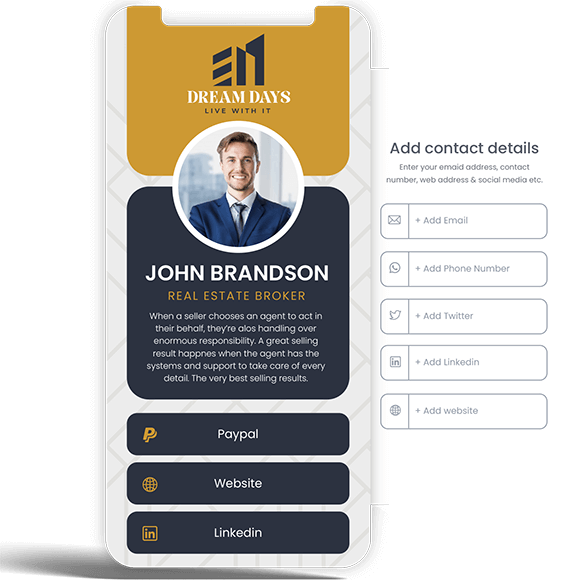
How to customize your virtual business card
When you make a digital business card online with Designhill, you get the freedom to edit it anytime and anywhere! Under this flexibility, you can keep your contact details up to date. It will give you a competitive edge, helping your brand build a solid online presence. So you don't need to worry if you move to another city or make any changes to your details. You can easily edit your digital card anytime.
Read More
Ideal for teams & businesses of all sizes
There is a digital business card subscription plan for all — from teams to businesses of all sizes. You can use Professional or Startup subscription plans to boost your brand identity by creating professional digital cards for each employee of your company. If you want to adjust the design per your brand guideline, you can use customization features like uploading your company logo, changing the background, and more.
Read More
Why choose Designhill virtual business card?
- No need to download an app or add-on
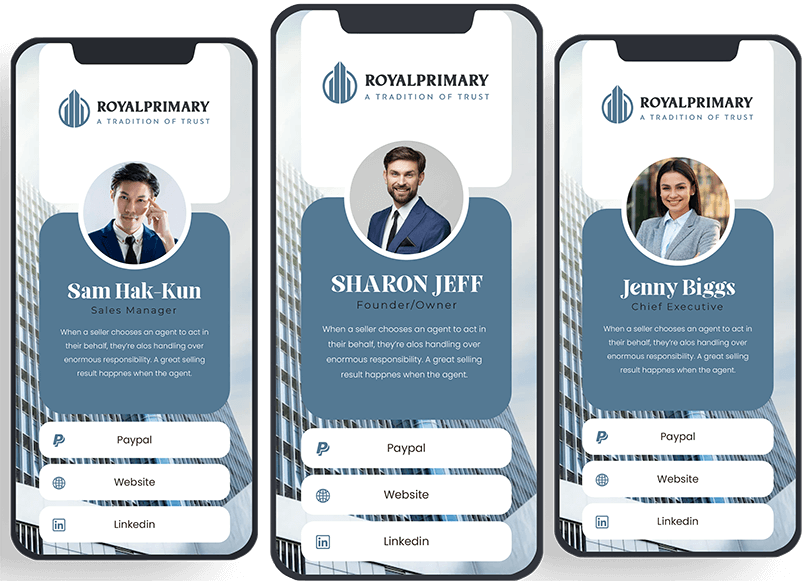
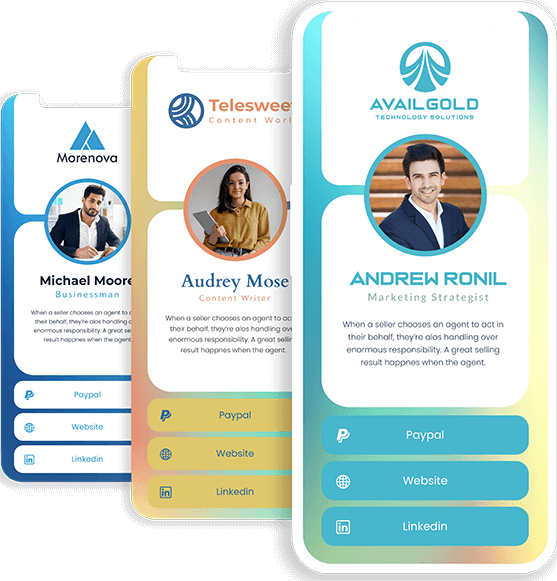
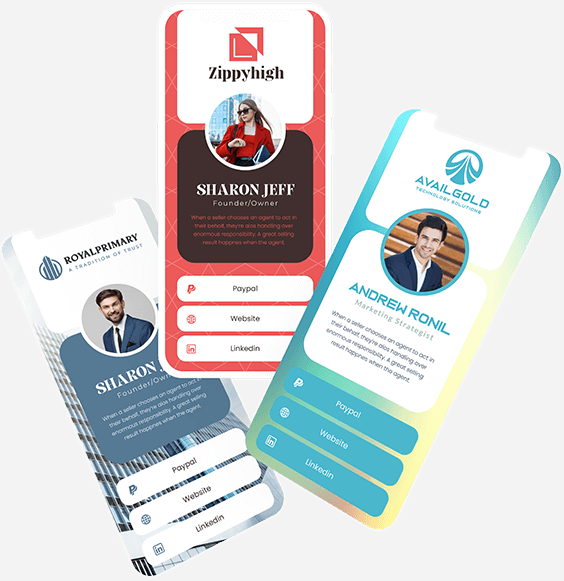
- Pre-created digital business card templates and examples
- Modern look and feel
- Add contact details and social media links
- Easy customization for all — novices to experts
- Flexibility to edit your digital card at any point
- Flexibility to add its link to your email signature for ease of use
- Compatible with all mobile phones — iPhones or Androids
- Contactless sharing through a personal link
- Eco-friendly and affordable
Read More
What is benefits of business digital cards
Our digital business cards are an effort to put little stress on our beloved planet before making profits. An electronic business card is the best contactless alternative to printed or physical business cards. In addition, it helps keep up with sustainability practices. As far as price is concerned, we have devised various plans for individuals and businesses of all sizes.
Read More
Effectively achieve your networking goals
Designhill digital business card is a professional & modern way to connect

Create & customize

Share anywhere, anytime

Save money & environment
Check What Our Customers Say About Us!
Designhill is the great and quick solution to make your digital business card. I am completely satisfied with the services!

Josh Mcnew Owner (Dealership)
A really efficient way of creating digital business cards. Wanted a card for my entire team. It was pretty easy to create and share the link. Would love to recommend it to my friends and others.
Cristi Franczia Director of Sales, Summer Vibes
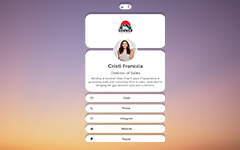
Sleek process, and it's an excellent tool for sharing my contact without any physical contact. Beautiful backgrounds and designs. I think everyone should get it.
Kimberly Alexander Head Manager, Freedom Grp.

FAQs
Digital business cards are an innovative way to share your contact for personal and professional use. It works as an interactive miniature website, carrying all the required information one needs to contact you. Unlike traditional cards, virtual business cards are affordable, convenient, and sustainable.
Traditional and electronic business cards are not the same. But, the purpose of both is similar. While the traditional card is tangible, the digital card is virtual.
Physical business cards need to be printed for personal sharing. On the other hand, virtual business cards can be shared through email, social media, etc., in a contactless manner.
To create a virtual business card, you need to choose a template first. Add your details and contact options. Upload your company logo, change the background, add a headshot, and you’re done. Once done, share the link over social media or via email.
Below are the details that you can add to your digital card:
Name
Title
Department
Company
Basic contact information
Photo
Business logo
- Address
- Paypal & Cashapp
Website and other links
Social media and more
There are several ways you can send your digital card:
Link sharing
Email
Social media
Preferably, we have Personal, Lite, Professional, and Startup subscription plans for digital cards.
Each of our plans comes with specific features. And the number of virtual business cards you can create entirely depends on the plan you've subscribed to. So select a plan that allows you to create a card for yourself or your entire team.
We have separate plans for individuals and businesses, and both have their own characteristics and features.
Follow this link for the pricing details and features!
Of course! Once subscribed to a plan, you can edit the background, upload your business logo, and customize the digital business card templates to match your brand.
After selecting the best subscription plan for digital business cards, you can update your information anytime. Here’s how you can do it:
Go to your account dashboard, and choose 'Digital Cards’ to make the desired changes.
Click the ‘Cards Action’ button and select the 'Edit Card' option from the dropdown.
Now update your information and click the ‘Save’ button to get the changes applied.
Note: Any update you make will automatically apply to your virtual business card.
Yes, you can! After you have chosen the desired subscription plan, you can add an individual's information or invite your team to create digital business cards online. For each member, you need to add their details one by one.
Businesses, as well as individuals, choose our DIY tool for so many reasons. Given are some of the reasons why they love our virtual visiting card maker tool:
- Ease of use: Anyone can use our DIY tool. It is easy to use for people with or without design experience. Its interactive interface and library of digital business card templates allow you to create a card in just a few seconds.
- Fully customizable: The tool gives you the power of personalization. You can edit your information anytime, along with other design elements, to keep your digital card up to date.
- Affordable & environment-friendly: Our business cards online are eco-friendly and affordable. You can have it within your budget.
Designhill’s digital business cards have two flexible subscription options to suit your varied needs. For long-term value and convenience, you can choose an annual subscription. Or, you can opt for a shorter
6-month subscription plan per your requirements. Both options enable you to access customizable templates and easy design tools to create an impressive virtual business card.
The pricing varies according to the subscription plan you choose. Check out the overall pricing here.
Digital business cards are safe to share your information with as we implement various safety measures.
The data you share remains encrypted, reducing the chances of unauthorized access and use.
Latest Articles on Digital Business Card

The Pros & Cons Of Paper Vs Digital Business Cards
589 people are currently shopping Digital Business Card on Designhill right now.
A design you’ll love or your money back. It’s that simple!
World's No.1 Graphic Design Platform
- Quick turnaround time
- 3M+ Satisfied Customers
- 150K++ Professional Designers
- Receive dozens of designs to choose from
- Receive print and web-friendly art files and full copyright
- Complete Copyright & Ownership
- 24x7 Free Customer Support
- 100% Money Back Guarantee! No questions asked!


Have some questions? or did not find what you were looking for? Don't worry! We can call and help you right away!
Call us at +1 415-853-3655 or



Need A Design?
Over 100,000+ business have used Designhill to source high quality graphic designs. There are two ways by which you can get a professional graphic design at Designhill:

Hire Multiple Designers
Best for when you want to crowdsource ideas. Multiple designers submit entries for you to rate and review before you award a winner.
- Fixed price packages
- Hand crafted designs from World-class designers
- Dozens of concepts to pick from
- 100% money back guarantee

Hire A Single Designer
Best for when you want to work with a single designer only. Explore the range of creative services offered by our highly talented designers.
- Work with a single designer
- Hand crafted designs from World-class designers
- Options within all price ranges
- Flexible turnaround time