

3 Easy Steps to Work with Brand Kit:
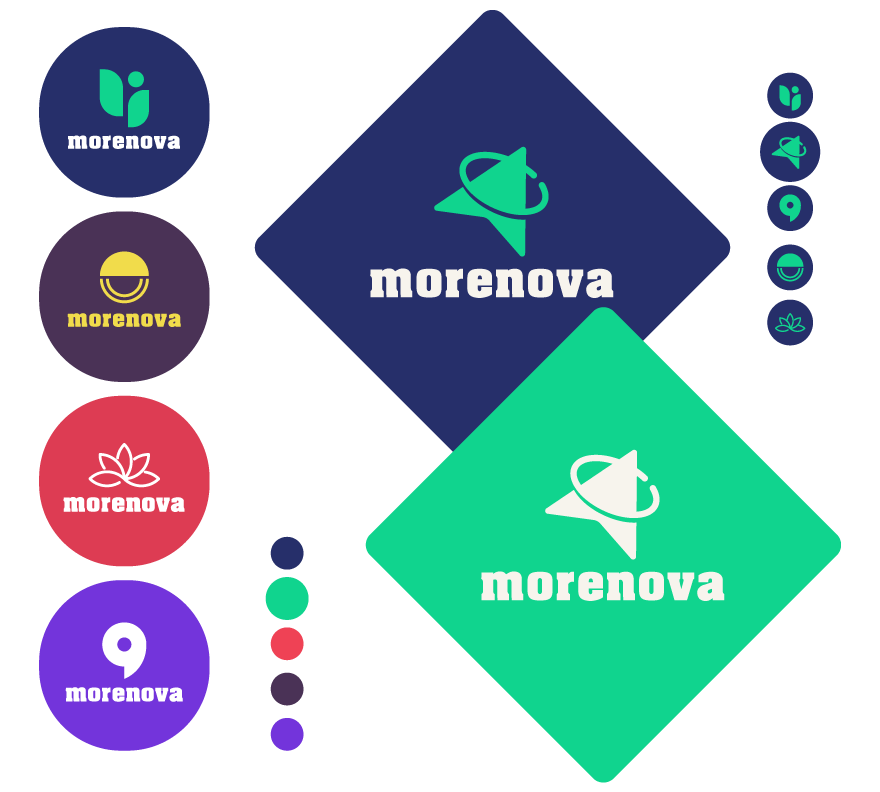
01. Start with your company logo
Kickstart with your business logo — the building block of your brand identity. You can generate it using a template or create one from scratch to stay on brand. Remember, a perfect logo is essential for brand consistency throughout.
02. Get ready for your brand in action
Once your logo is finished, Designhill brings your brand into action. We import your business-relevant colors, fonts, and other elements into the Brand Kit. This not only saves time but also avoids redundancy.
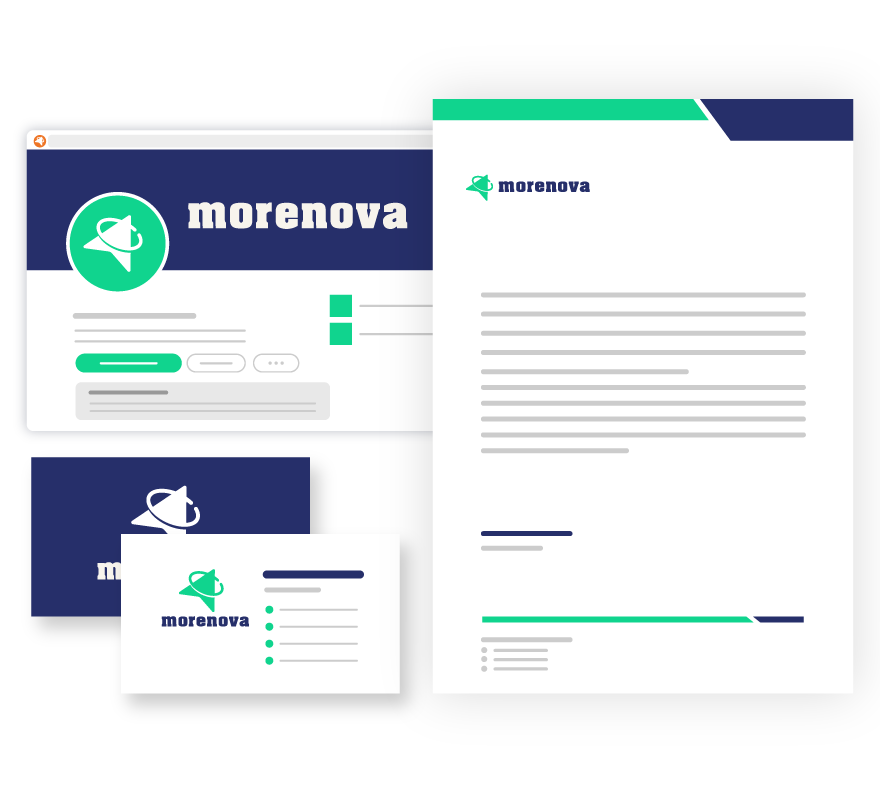
03. Build your marketing materials
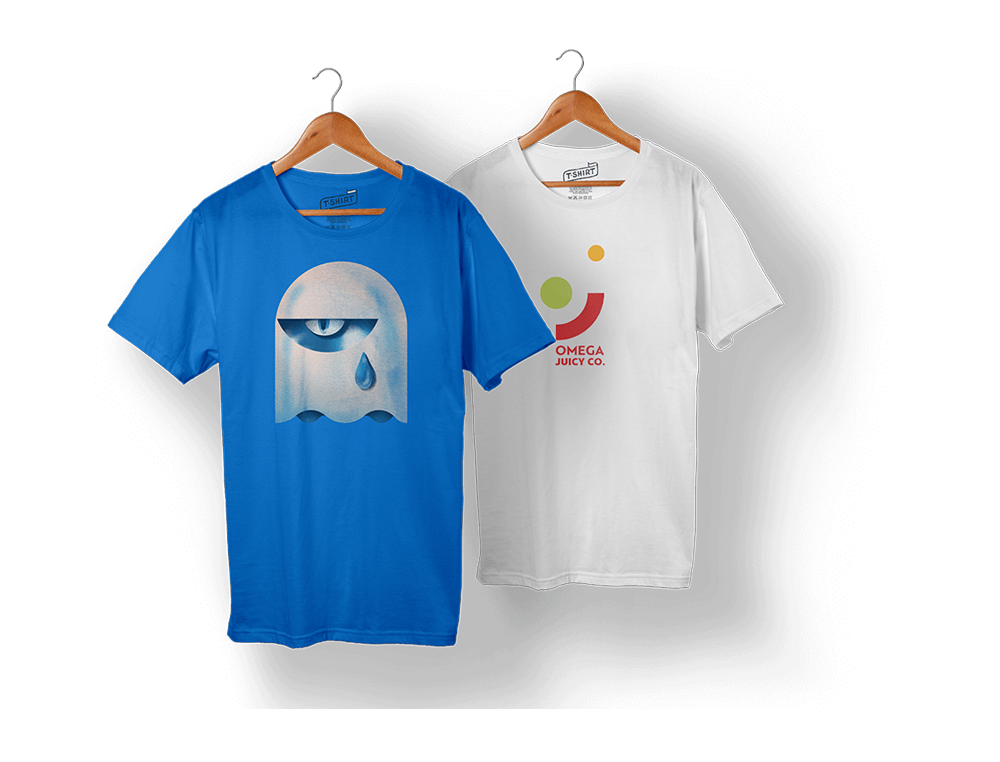
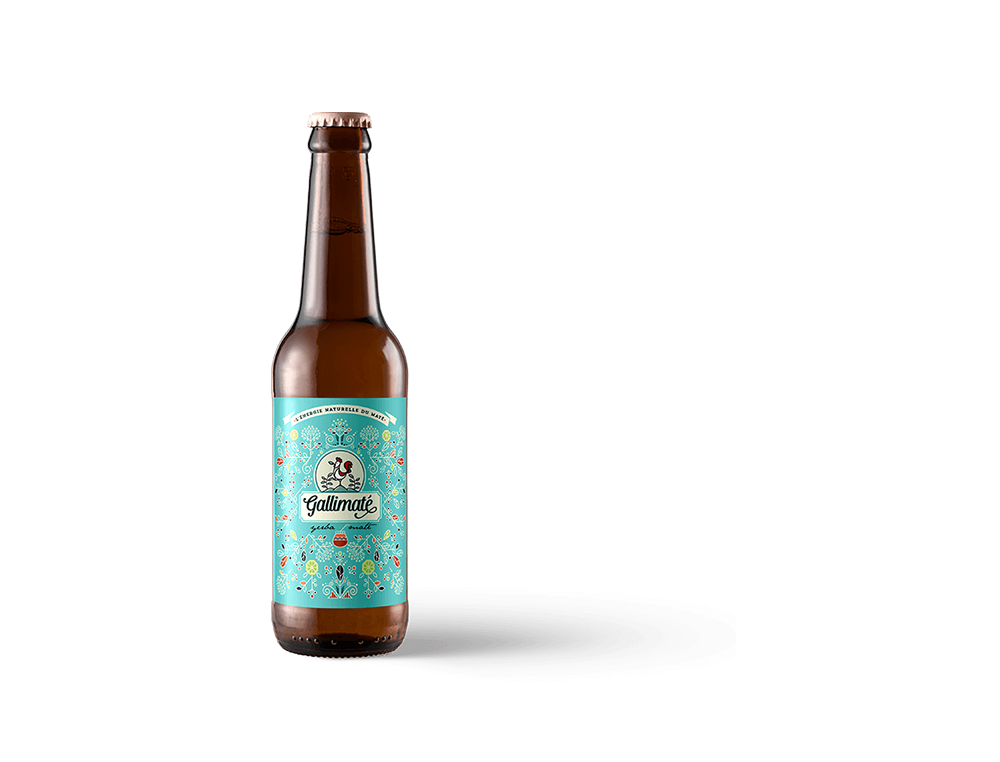
You can turn any template into impactful marketing material with the Brand Kit editor. For this, you don't need to hire a designer or be design savvy. All you need is to pick a design in your desired formats.
See what our happy customers have to say about our brandKit!

I’m kinda okay with the brand kit. Templates need to be added more so that we can have more choices. But it’s okay for me as I got what I wanted from my brand kit monthly subscription. Value for money and it really delivers. I got my business card, letterhead, social media post, and everything in between sorted. No technical prowess is needed that’s what I liked the most.

I had been looking for some branding materials for my dental clinic. I didn’t know where to look for it, so I turned to Google and found this company. Needed a logo and social media covers with others. It took less than I imagined to get all of these and within my budget. The yearly brand kit subscription plus a logo package made it all good.

I got the monthly subscription to the brand kit from Designhill. Wanted some branded materials like business cards, brochures, and posters for my new dog onboarding business. This tool made it really easy to create. I just uploaded my logo and got everything done automatically.

It was a mixed experience for me to use Designhill’s brand kit. First, I was doubtful about how it would turn out for me. But as I uploaded my logo, I found it nicely placed on letterheads and other branding materials I wanted.

I got my logo and brand kit subscription and I’m happy with the services. I chat with the customer support team and they’re very helpful. They provided me with each and every detail I sought before making a purchase. Also, when I stuck in between the process, they helped me throughout. So, it was a good experience for me.

The site is easy to navigate. Brand kit subscription should have been priced better. Overall, I used it and found it really helpful for my consultancy business. The tool made it easy to get branded brochures and posters with my logo in just a few clicks. No intensive editing is required. I’m not a pro designer but I felt like one after using it. Recommended for all business owners.
A design you’ll love or your money back. It’s that simple!
World's No.1 Graphic Design Platform
- Quick turnaround time
- 3M+ Satisfied Customers
- 150K++ Professional Designers
- Receive dozens of designs to choose from
- Receive print and web-friendly art files and full copyright
- Complete Copyright & Ownership
- 24x7 Free Customer Support
- 100% Money Back Guarantee! No questions asked!






- Fixed price packages
- Hand crafted designs from World-class designers
- Dozens of concepts to pick from
- 100% money back guarantee

- Work with a single designer
- Hand crafted designs from World-class designers
- Options within all price ranges
- Flexible turnaround time